Loyalty Program Settings
Overview
Loyalty Program Settings configures your customer rewards program, including points earning rates, registration bonuses, and integration with user levels. Reward your customers for their purchases and engagement.
Accessing Loyalty Settings
Navigate to: Settings > Loyalty Program from the sidebar menu
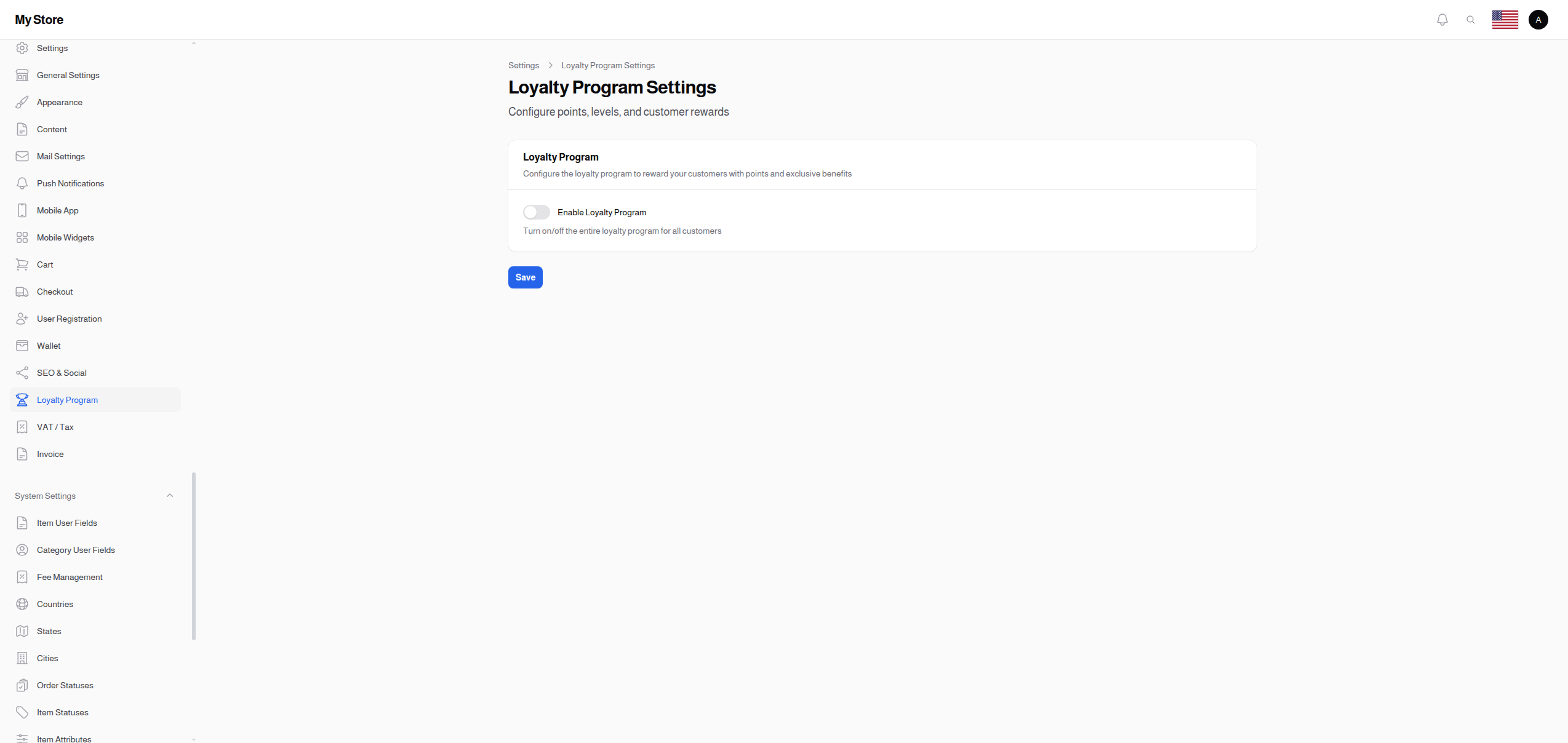
Loyalty Program
Enable Loyalty Program
- Type: Toggle switch (On/Off)
- Default: Off (disabled)
- Purpose: Turn the entire loyalty program on or off
- Premium Feature: May require premium license
When Enabled:
- Customers earn points on purchases
- Points displayed in customer accounts
- Registration bonuses applied
- Loyalty levels active (if configured)
When Disabled:
- No points earned
- Loyalty features hidden from customers
- Existing points retained but not earned/redeemed
Points Configuration
These settings appear only when the loyalty program is enabled.
Points Per Currency Unit
- Type: Number input
- Default: 10 points
- Minimum: 0
- Purpose: How many points customers earn per unit of currency spent
Calculation Example:
If set to 10 points per $1 and a customer spends $50:
50 × 10 = 500 points earned
Setting Strategies:
| Value | Strategy |
|---|---|
| Low (1-5) | Points feel more valuable, slower earning |
| Medium (10-20) | Balanced approach |
| High (50-100) | Fast accumulation, psychological satisfaction |
Tip: Higher numbers feel more rewarding psychologically even if redemption values are proportionally adjusted.
Registration Bonus
- Type: Number input
- Default: 100 points
- Minimum: 0
- Purpose: Bonus points given to new users when they register
Benefits:
- Encourages registration
- Gives new users a head start
- Creates immediate engagement
- Promotes first purchase
Considerations:
- Set to 0 if you don't want registration bonuses
- Consider your points-to-value ratio
- Example: If 100 points = $1, then 100 bonus = $1 welcome discount
Review Points
- Type: Number input
- Default: 50 points
- Minimum: 0
- Purpose: Points awarded for writing a product review
Benefits:
- Encourages product reviews
- Builds social proof
- Increases customer engagement
- Improves SEO with user-generated content
Best Practices:
- Set meaningful but not exploitable value
- Consider requiring verified purchase for review points
- Balance with registration bonus
Loyalty Levels
When the loyalty program is enabled, you can configure customer loyalty levels/tiers.
Level Statistics Display
The settings page shows:
- Total Levels: Number of configured loyalty levels
- Active Levels: Levels currently active
Manage Loyalty Levels
Click "Manage Loyalty Levels" to open the User Levels management page in a new tab.
From there you can:
- Create new loyalty tiers (Bronze, Silver, Gold, Platinum, etc.)
- Set point thresholds for each level
- Configure level-specific benefits/discounts
- Activate or deactivate levels
See User Levels for complete level configuration documentation.
Points Economy Design
Example Configuration: Standard
Points Per Currency Unit: 10
Registration Bonus: 100
Review Points: 50
Redemption Rate: 100 points = $1
Customer Journey: 1. Register → 100 points ($1 value) 2. Spend $50 → 500 points ($5 value) 3. Write review → 50 points ($0.50 value) 4. Total: 650 points ($6.50 value)
Example Configuration: High-Engagement
Points Per Currency Unit: 100
Registration Bonus: 1000
Review Points: 500
Redemption Rate: 1000 points = $1
Same actual value, but larger numbers feel more rewarding.
Example Configuration: Premium Store
Points Per Currency Unit: 5
Registration Bonus: 0
Review Points: 25
Redemption Rate: 50 points = $1
Conservative approach for high-value stores.
Loyalty Program Benefits
For Customers
- Feel rewarded for purchases
- Progress through levels
- Earn discounts and perks
- Increased engagement with store
For Your Business
- Increased customer retention
- Higher average order value
- Repeat purchases encouraged
- Valuable customer data
- Competitive advantage
Saving Changes
Click the Save button at the bottom of the page to apply your changes.
Note: Enabling/disabling the loyalty program affects all customers immediately. Points already earned are retained.
Related Sections
- User Levels - Configure loyalty tiers and benefits
- Loyalty Transactions - View points history
- Users - View customer points balances
- Reviews - Manage product reviews